Launch First Week Results
QwenWork launch numbers, across the whole product.
Building in the middle of a big re-org.
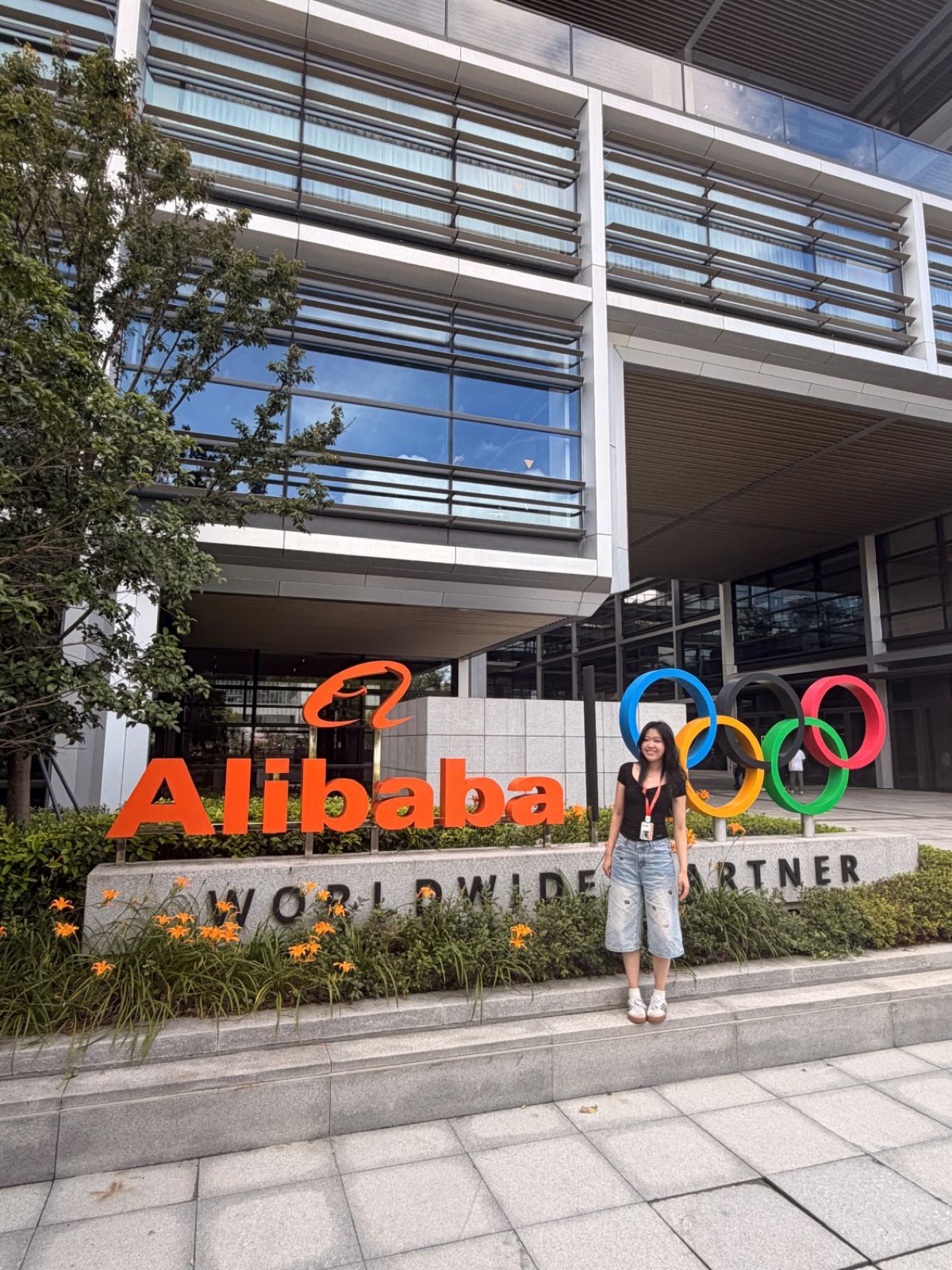
I joined MuleRun in May, when it was an innovation team of about 50 people. That summer, Alibaba went through one of the biggest re-orgs in its history. After a leadership change, MuleRun's CEO was asked to take over as CEO of DingTalk, and our team was merged in with him.
At the same time, Alibaba had three or more all-in-one AI agent workspaces in the works. The biggest were MuleRun (us), QoderWork from the Qoder team, and Wukong from the original DingTalk team. The three products were merged into one, and so were the people. That product is QwenWork.
After building trust with the team through May and June, I was given Skill Hub to own from the PRD through launch, on a two-week 0 to 1 cycle.
Our users were new to AI agents, and we had no skill hub.
QwenWork is mainly sold B2B. The people actually using it are employees at companies that want to work more efficiently by going AI-native, and most of them aren't familiar or comfortable with AI agents yet.
MuleRun didn't have a skill hub. You could find other people's skills and plugins on GitHub, but you have to know where to search, and nothing checks what's inside them. That matters a lot when the agent is working with company data.
We also had a naming problem. MuleRun used terms like Knowledge and Database, which were new concepts to our users, and we found out they mostly added confusion. So we switched to names people already know: Skills, Connectors (MCPs), and Expert Kits, which bundle skills and connectors for a role or industry.
Three products, one skill hub.
We were also merging with QoderWork, and QoderWork already had a skill hub. Its users were moving over with it, so Skill Hub had to feel comfortable for them too, not just for MuleRun's users.
Before designing anything, I did a deep research into how QoderWork and Wukong were structured, and used that to shape the vision for QwenWork's Skill Hub.
The hard part: moving every skill over
Building a hub was one thing. The harder part was technical: every skill on all three platforms had to move into it, and they didn't all look the same. It took multiple rounds of meetings to agree on which format would be the base.
Basically a skill, plus a template and a starting question.
Already had its own skill hub.
From the original DingTalk team.
MuleRun's template field stays in the backend, and it's simply left empty for skills that don't have one.
From research to launch
One hub page, or three in the sidebar?
The biggest design decision was the structure itself: where Expert Kits, Skills and Connectors live, and how people move between them.
We had two directions on the table.
One hub page, with Expert Kits, Skills and Connectors inside
The structure our competitor WorkBuddy uses, and my mentor's first pick.
- Clicks and activity stay in one place instead of splitting users' attention, and one central banner spot is better for monetization.
- A natural flow: start with Expert Kits, and if that isn't enough, add skills and connectors on top.
Three sidebar entries, each with Market and Installed tabs
Close to what QoderWork had before the merge.
- Easier to navigate: Expert Kits, Skills and Connectors each have their own spot in the sidebar.
- QoderWork's users already knew this structure, and it was proven with them, so they'd have less to relearn after moving over.
A had real business upside, but B fit the people we were actually designing for. We looked at the analytics on QoderWork's sidebar clicks to back it up before committing.
B is what you can click through in the replica at the top of this page.
Turning clicks into changes.
Analytics came right after the requirement evaluation. We had to get all of it in before we shipped, or we'd be missing data from launch. And it wasn't only Skill Hub: I was in charge of the product analytics event registration for all of QwenWork.
I worked with frontend, BI and marketing on funnel and feature-adoption analysis. The point was to translate click data into things we could actually change in the product.
We started with frontend tracking only. The product was still early, so we didn't touch MaaS (Model as a Service, the data from the model side) yet.
I worked out what we, as product managers, actually cared about and wanted to know, turned that into funnels, and handed them to BI to build the final version.
The data showed some buttons were barely being used. Looking at them again, they were clearly designed badly, so we redesigned them.
Building with a lot more people in the room.
Before this, I'd only worked at MuleRun, an innovation team of about 50 people. I didn't know what it's like to work with this many people, especially when everyone wants different things. All three teams wanted to keep something from the product they came from.
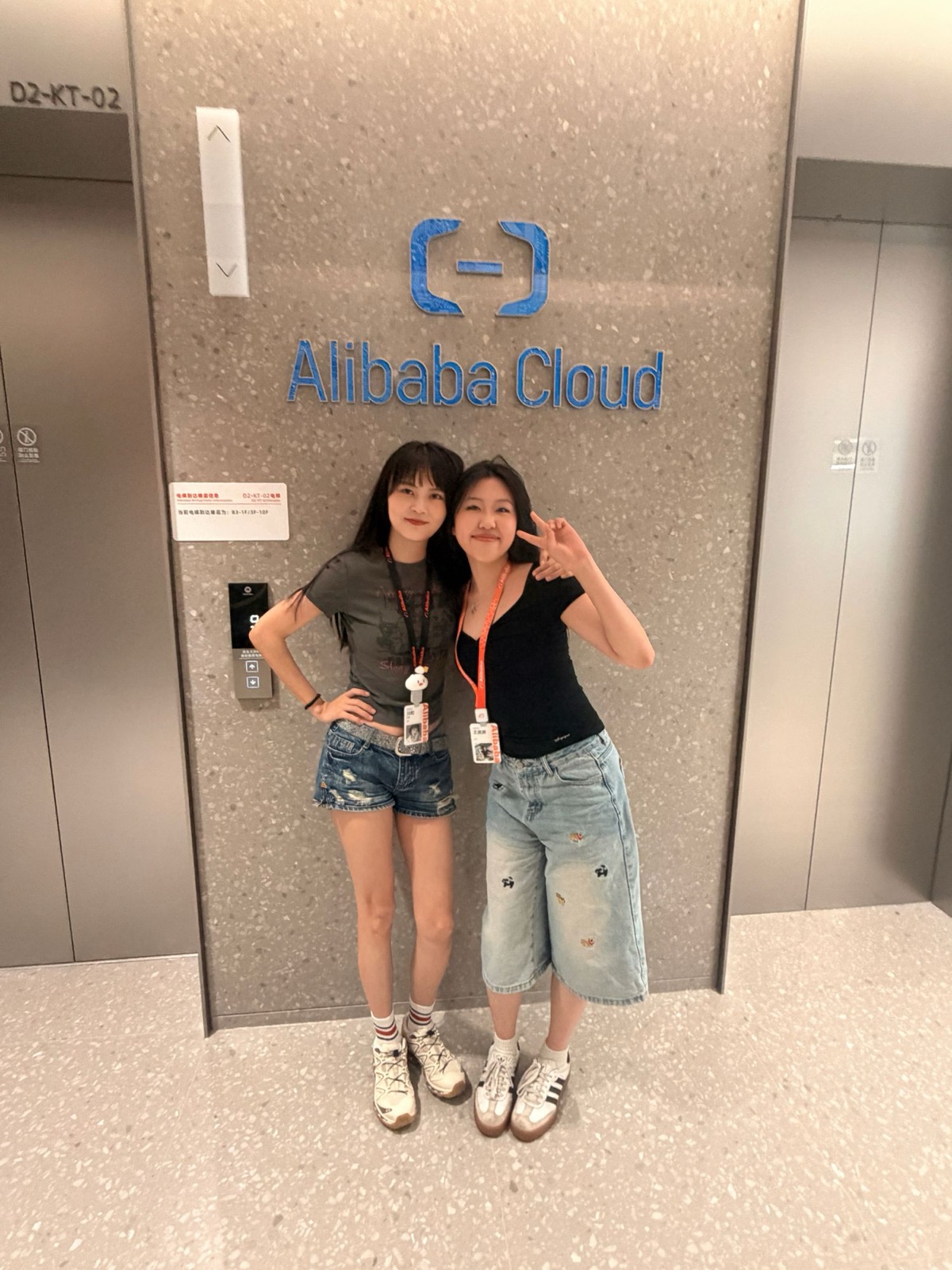
I was on a business trip in Hangzhou the whole time, just so collaborating would be easier. The meetings were about double the size of what we had at MuleRun.
It was also my first time working with data analytics, and it's made me a more data-driven designer.